The Challenge
University cybersecurity students and small firms often face a critical gap in practical skill development; conventional, exposition-heavy lectures discuss crucial topics like phishing in extensive technical detail, leading to passive and dull learning experiences that fail to prepare them for real-world threats.
This often results in:
Students failing to internalize crucial concepts
Hindered development of critical thinking
Our project, therefore, aimed to create a more active and tangible learning experience for the target audience. Success would be qualitatively measured by player engagement and clarity in conveying fundamental cybersecurity concepts.
Engagement would be qualitatively measured by
Observable active participation
Sustained focus
Enthusiasm among the players during gameplay
Clarity of the fundamentals would be measured by
Players correctly identifying and applying concepts within the game
Players demonstrating a clearer understanding of consequences for in-game actions during post-game reflection
Key Project Constraints
An ambitious scope coupled with a tight semester timeline.
Unclear budget & limited documentation on the core concept
Team-wide inexperience in game development
These foundational constraints directly influenced every strategic decision, demanding a pragmatic and highly adaptable design process.
Our core hypothesis was that an experiential, gamified approach would foster deeper learning. While the team initially leaned towards a complex 3D virtual experience, my strategic proposal focused on a simpler, more realistic approach for the virtual player: a fake operating system. This would have simplified development while leveraging players' existing familiarity with OS interfaces for more intuitive interaction.
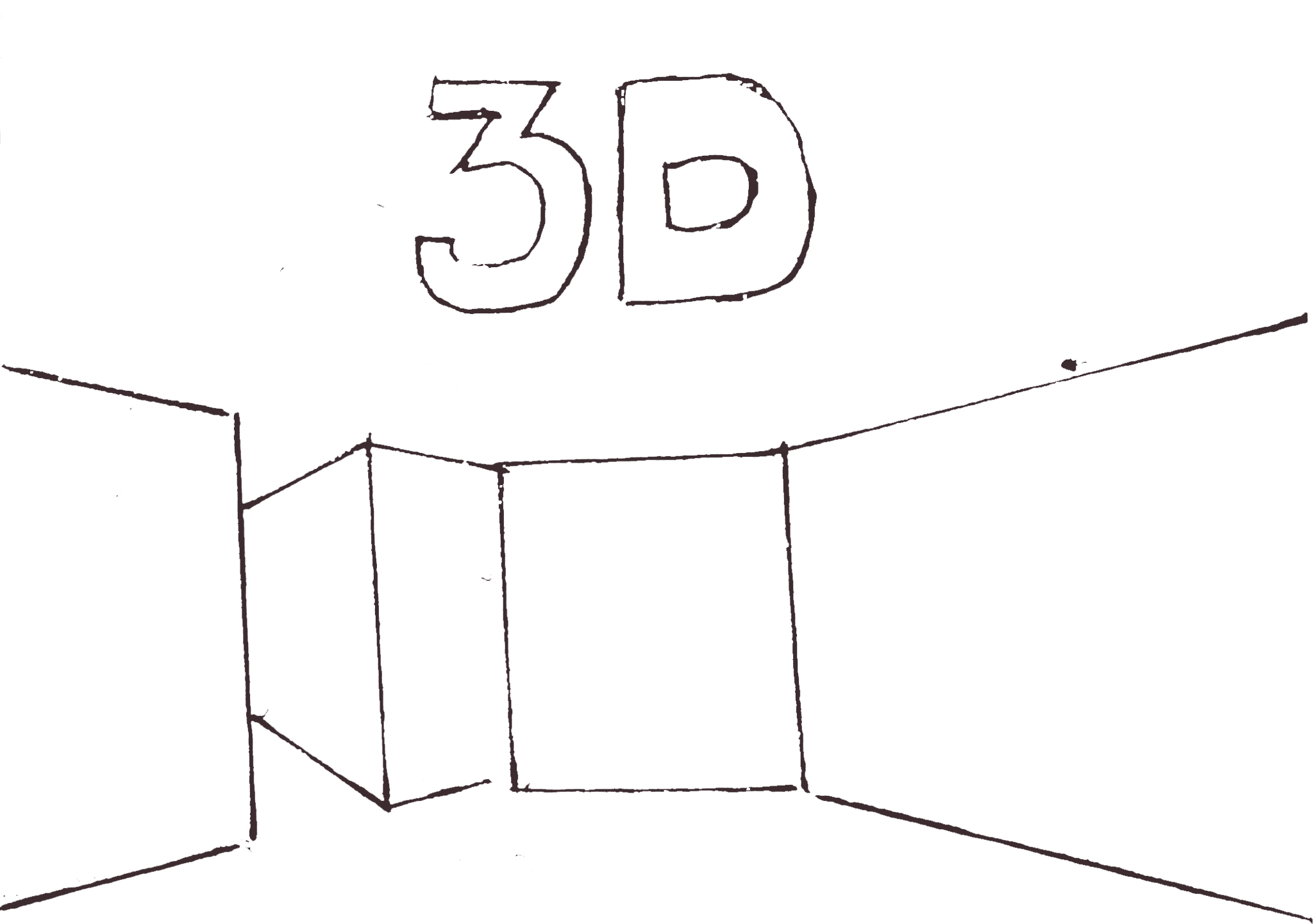
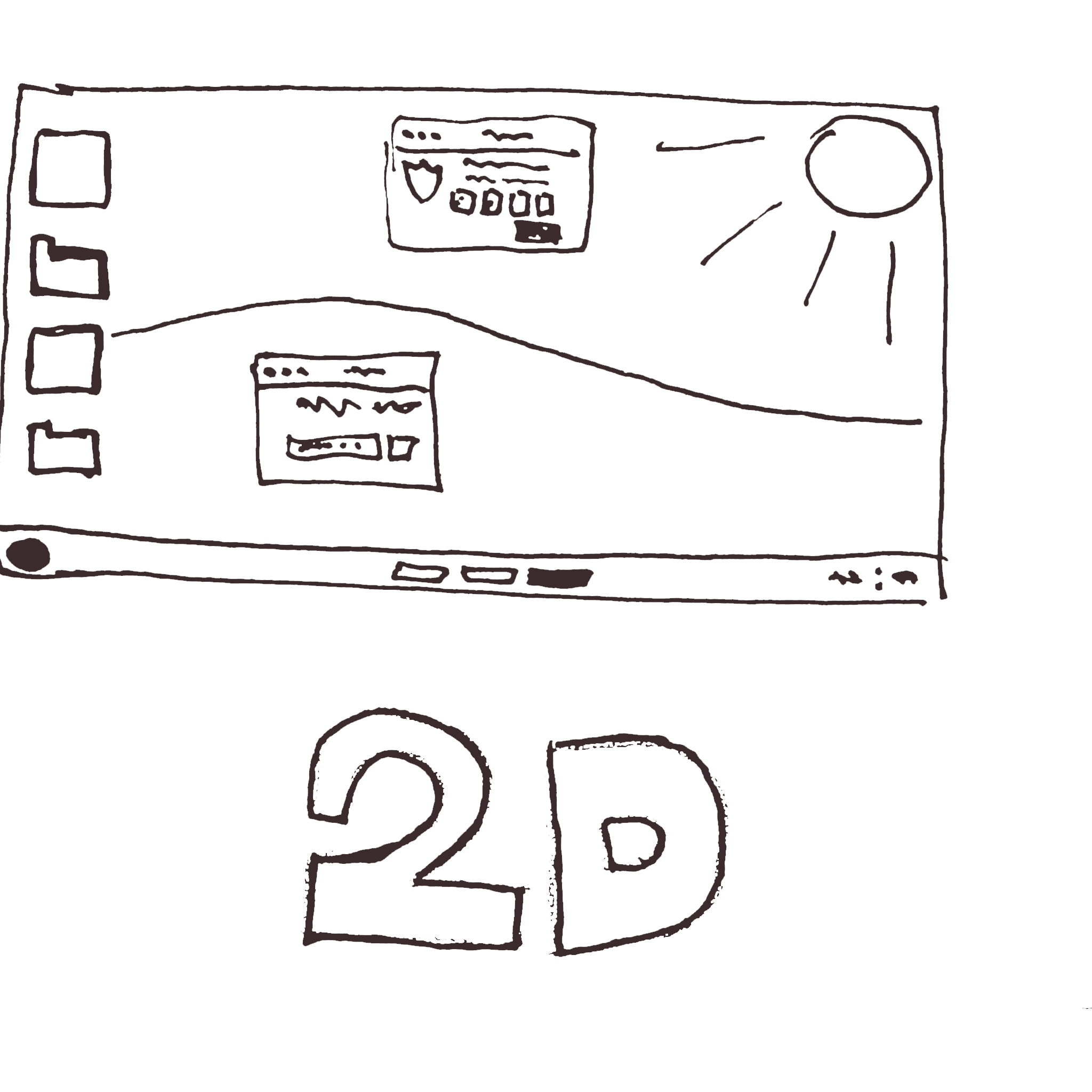
An early conceptual comparison. My proposed 'Realistic OS' interface aimed to simplify development and increase realism, contrasting with the team's initial '3D World' idea.
Work Ethic
Given the project's ambiguities and the team's inexperience, I adopted a proactive, iterative design process. I personally applied the "push work, don't wait for work" mentality suggested by our coach, which enabled me to contribute consistently and taught me to prioritize design aspects based on strategic purpose, ensuring ideas remained constrained and cohesive.
Propose
Gather Feedback
Refine
The proactive feedback loop I employed. This iterative process was essential for navigating project ambiguity and making progress despite unclear requirements.
My research involved examining puzzle game UIs, which highlighted the importance of visual clarity and ensuring every element has a clear purpose. Crucially, I engaged teammates and the product owner early to define project constraints. For example, collectively agreeing on the game's art style was key to maintaining visual consistency across all my interface designs.
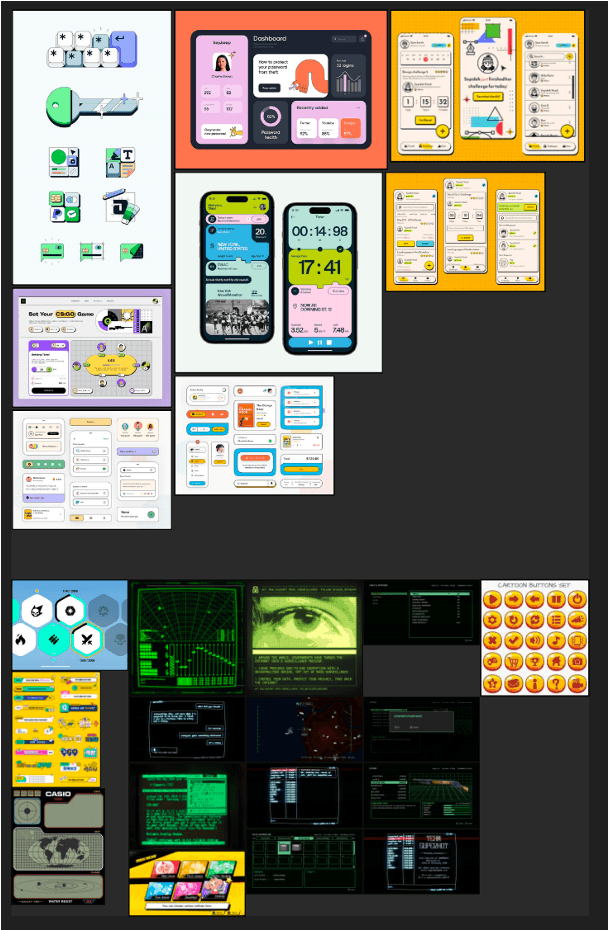
This moodboard was a key alignment tool, translating my research into a defined visual direction. It helped the team collectively agree on the distinct aesthetics for the 'Modern In-game UI' (top) and the 'Retro Metagame UI' (bottom), ensuring visual consistency throughout the project.
A major challenge was the product owner's unclear demands. To prevent stalls, I proactively researched and presented 2-3 distinct design options to force a decision. For instance, I created two BSOD designs (one familiar, one artistic); collective feedback led us to the familiar design, enabling quicker progress over individual perfection.
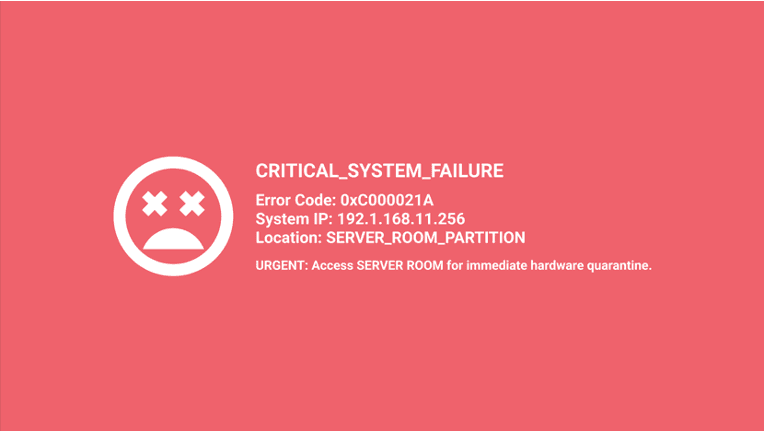
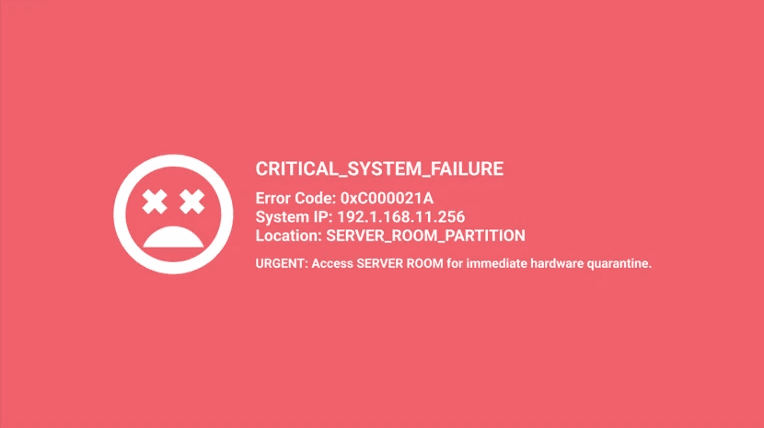
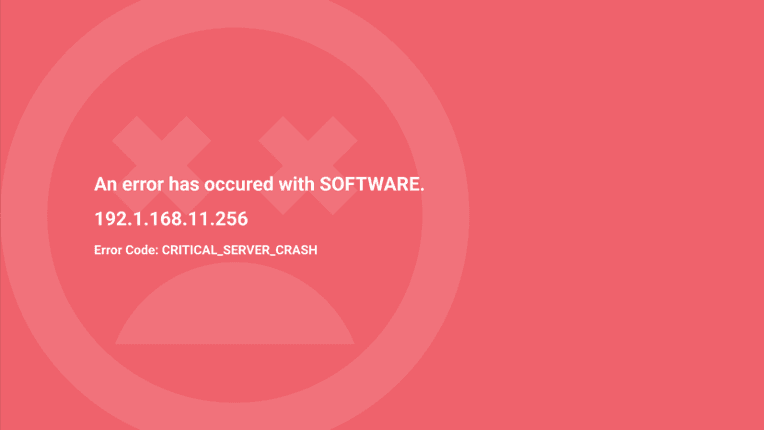
A/B comparison of two 'Blue Screen of Death' designs presented to the team. The familiar Windows-style screen (left) was unanimously chosen, teaching me to prioritize user familiarity over pure aesthetics.
To simplify the complex in-game cutscene system, I conceptualized the 'Polaroid Hint System.' This alternative was envisioned to provide crucial follow-up clues to players in a simpler, more intuitive way. While the UI was designed, it was ultimately not implemented due to timeline constraints.
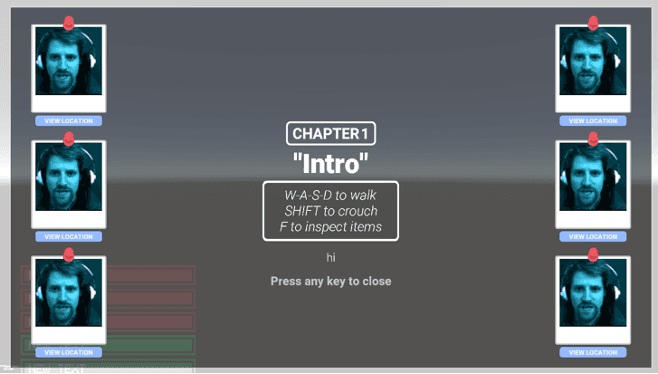
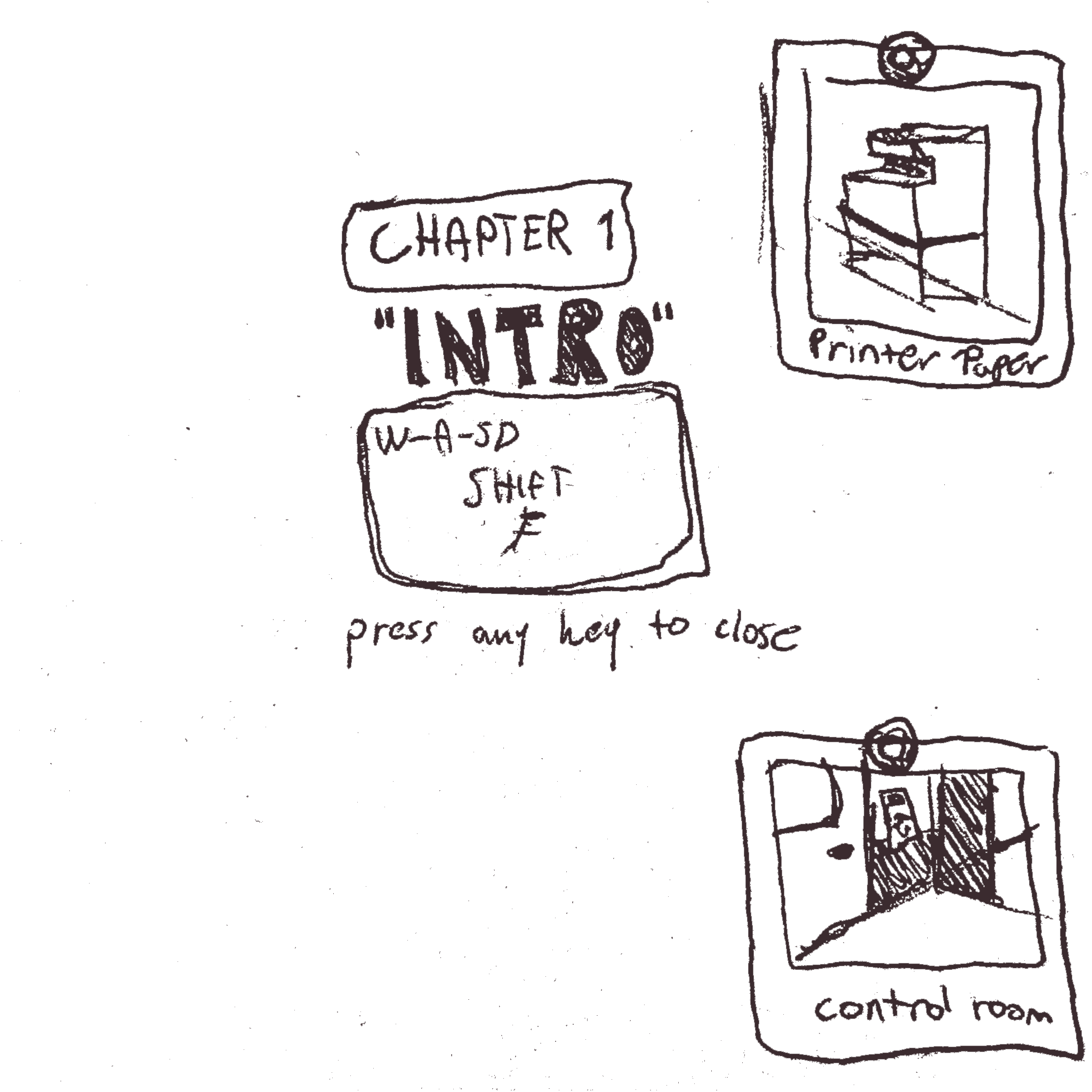
A concept mock-up (left) and initial sketch (right) for the 'Polaroid Hint System.' This was designed as a simpler, more intuitive alternative to complex cutscenes but was ultimately shelved due to time constraints.
A hurdle arose when I discovered the tool I used for the email system (Unity's UI Toolkit) lacked necessary 3D space rendering. After a developer confirmed the potential workaround would hurt performance, unacceptable for a game that must run on any computer, I pivoted. I re-implemented the UI using Unity's conventional canvases to ensure stability and performance.
Initial Tool (UI Toolkit)
Problem Discovered (No 3D)
Workaround Investigated (Perform. Hit)
Final Decision (Rebuild with Canvas)
The decision-making process for the UI Toolkit pivot. This flowchart illustrates the moment a technical roadblock was overcome by prioritizing long-term performance over a quick fix.
Twice the Style
The game's UI was defined by two distinct, purpose-driven styles:
Retro Metagame UI: A neon green on black, MS-DOS-like style was used for all main menus and pause screens. This immediately established the game's cybersecurity theme
Modern In-game UI: A rounded, modern style was used for all in-game computer interactions. This leveraged players' pattern recognition from real operating systems for intuitive, seamless use.
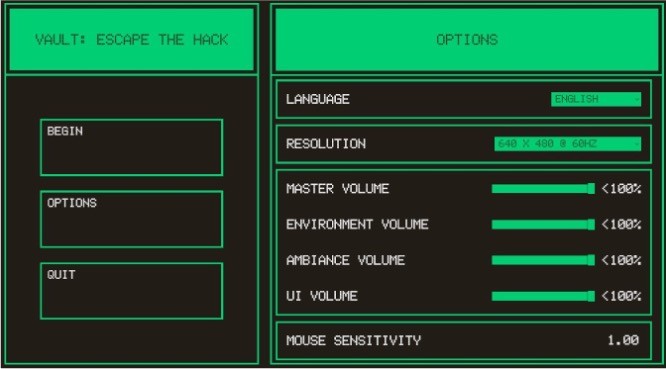
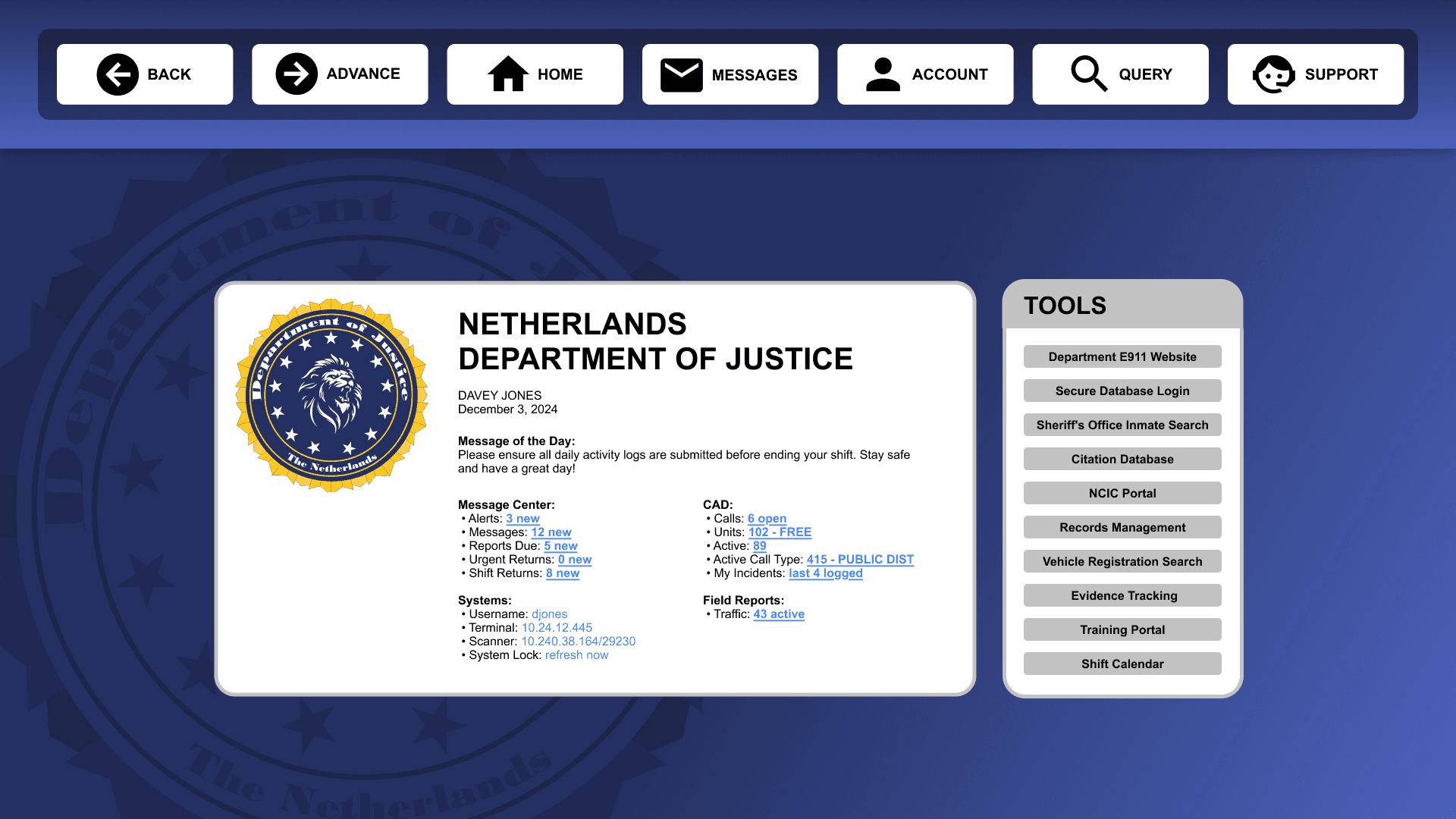
Left: The Retro Metagame UI, designed to immerse players in the cybersecurity theme. Right: The Modern In-game UI, designed to leverage user familiarity with real operating systems for intuitive interaction.
I designed key UI elements to enhance the learning experience:
The System Alert Pop-up provided immediate feedback for mistakes like system breaches. It used cautionary colors (reds, yellows) and urgent iconography to teach cautious action.
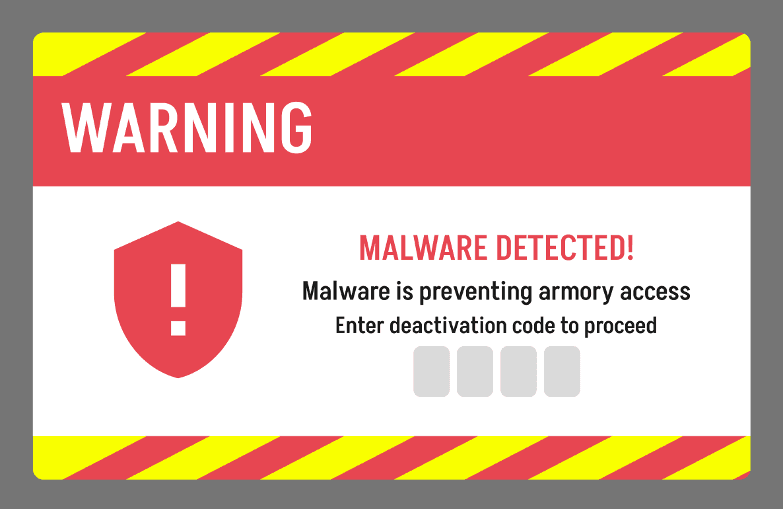
The System Alert Pop-up. The use of cautionary colors and urgent iconography was intentionally designed to provide immediate, unambiguous feedback for player mistakes.
The In-game Email System addressed the need to teach about phishing. It served as a realistic hub where players could practice identifying malicious links, directly leveraging their familiarity with email clients to test their skills in a safe environment.
Interaction with the in-game email system. This video demonstrates how players practice identifying a simulated phishing attempt in a safe, controlled learning environment.
Note: The UI's stretched appearance reflects an implementation discrepancy and does not represent the final design specifications.
The Results
The final UI successfully delivered an intuitive solution that enabled players to focus entirely on learning. The result was a seamless experience where the UI became invisible, allowing players to fully immerse themselves in the cybersecurity challenges, not the interface itself.
Noteworthy Notes
Proactivity
Prioritization
A crucial technical lesson came from the in-game email syste m. I discovered late in the process that my chosen tool (Unity's UI Toolkit) lacked necessary 3D rendering support. This forced a time-consuming rebuild and taught me the vital importance of thoroughly researching a tool's capabilities before full implementation.
Priorities for a continuation of the project would include:
"Push work, don't wait for work."
My guiding principle throughout the project. This advice from our coach was the key to maintaining momentum in a challenging environment.